Video editing that feels familiar.
Without subscriptions.
Trimvio is a free desktop video editor with familiar tools for captions, effects, transitions, and keyframes. It runs locally, with no account or subscription required.
Download for Windows
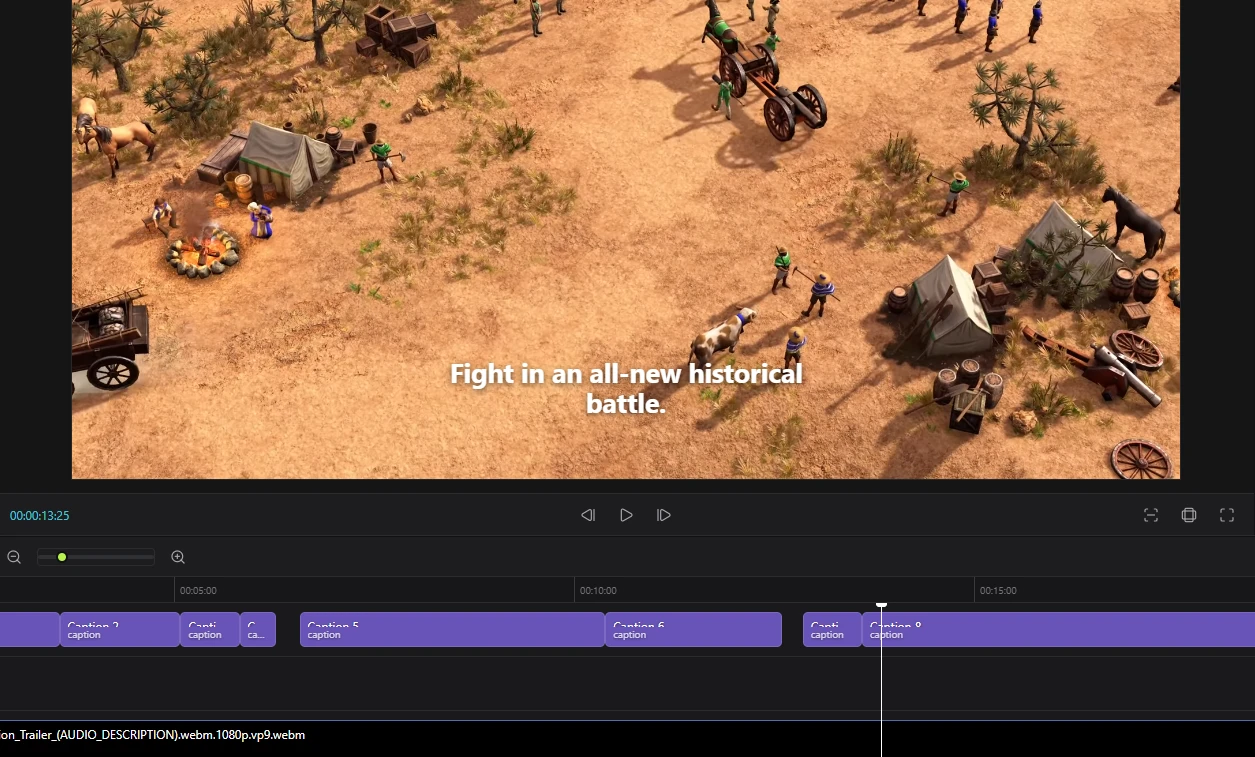
Automatic Captions, Powered Locally.
Create captions from your audio directly on your PC. Your files stay on your device, and caption generation does not use credits or require an internet connection.
A familiar editing workflow.
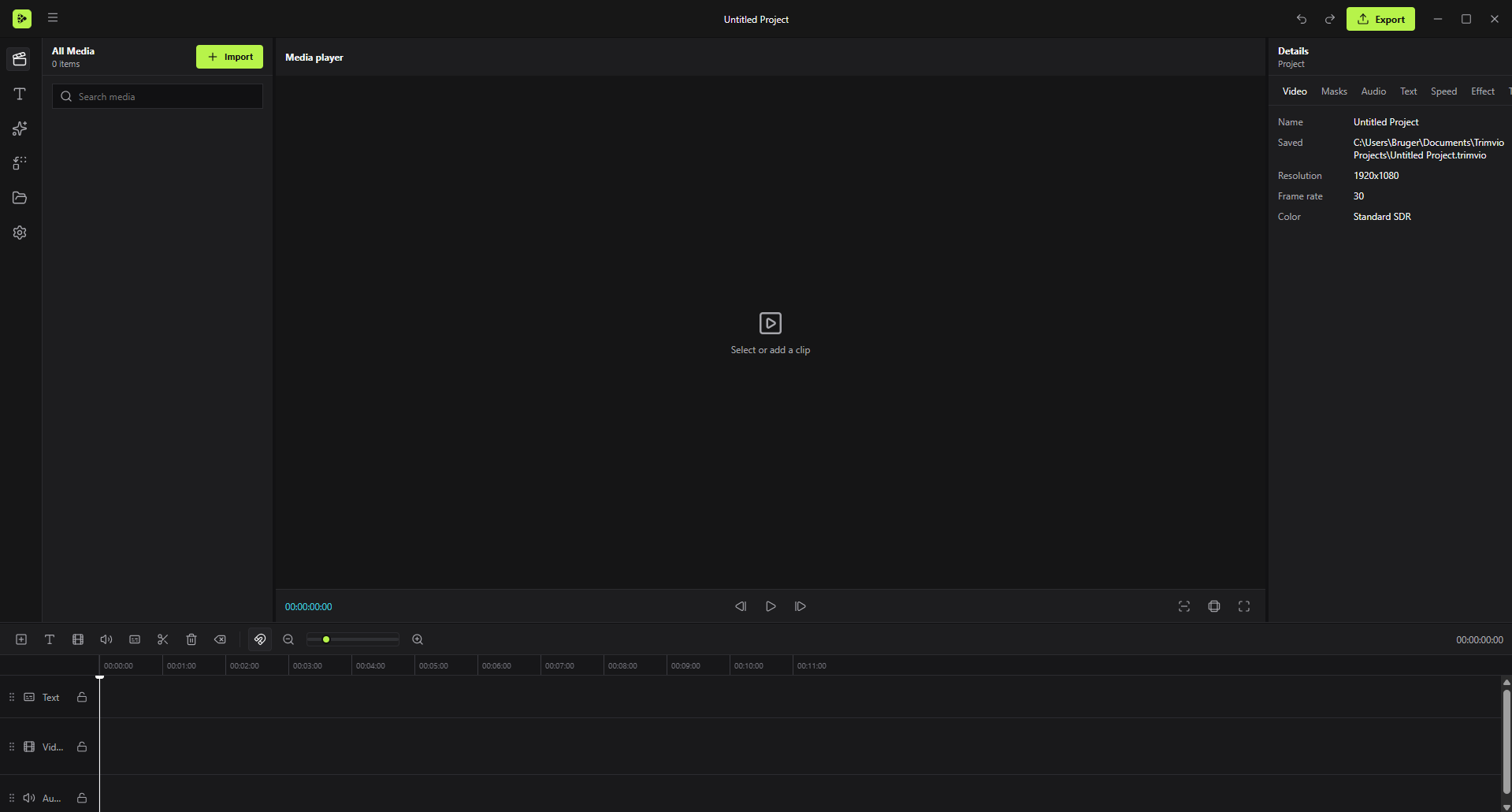
If you have used a modern video editor before, Trimvio should feel familiar. Edit on a timeline, adjust settings in the inspector, and use keyboard shortcuts for common actions.
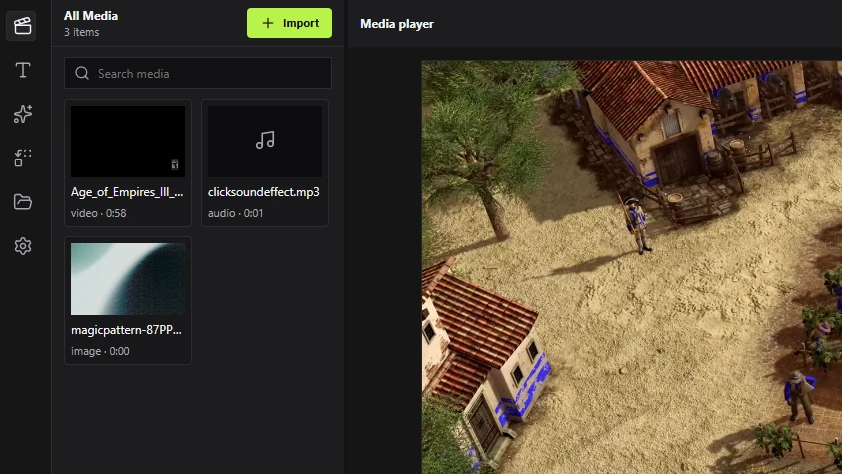
- Media Panel
- Keyframes
- Timeline Snapping
- Export up to 4K 60fps
The editor is yours.
Not another subscription.
Why choose Trimvio?
| Capability | Trimvio | Cloud Editors |
|---|---|---|
| Price | Free | $10-25 /mo |
| Internet Required | Not for editing | Usually |
| Auto-Captions | Runs locally | Often limited |
| Local Processing | On your PC | Usually cloud-based |
| Watermarks | None | Varies |
Built for your PC.
Trimvio is designed to run on regular Windows PCs. Larger or higher-resolution projects may benefit from stronger hardware.
Minimum
- Windows10/11 64-bit
- ProcessorDual-Core 64-bit
- RAM4 GB
- Storage2 GB Free
Recommended
- Windows10/11 64-bit
- ProcessorQuad-Core+
- RAM8 GB
- Storage4 GB Free
Support
Frequently Asked
Is it really offline?
Yes. Editing, exporting, and automatic captions can all run locally without a cloud connection. Your audio and video files are processed on your PC.
Can I use it for commercial projects?
Yes. Trimvio does not add watermarks to exported videos, and you can use your exports for personal or commercial projects.
Does it support 4K export?
Yes. Trimvio can export videos at up to 4K resolution and 60 fps. Export speed depends on your hardware and the complexity of your project.
Start Editing.
Stay Offline.
Download Free
Free Forever
|
No Account Required